

Make plans without
leaving iMessage.
lessgo turns "we should hang out" into an actual plan, right inside your group chat.
lessgo is iPhone only for now. Scan with your iPhone camera to join the beta there.
lessgo isn't an app on your home screen. It lives inside iMessage, one tap from any chat.
Install through TestFlight. It's Apple's free app for betas. If you don't have it, the App Store opens it first, then come back and tap Get the beta again.
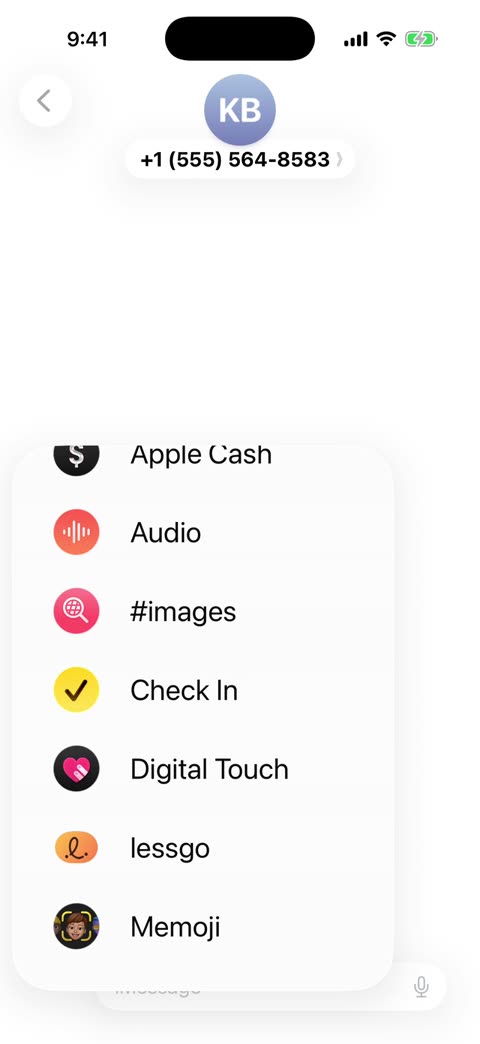
Open any chat, tap the +. Scroll the list and tap lessgo. Don't see it? Tap More.
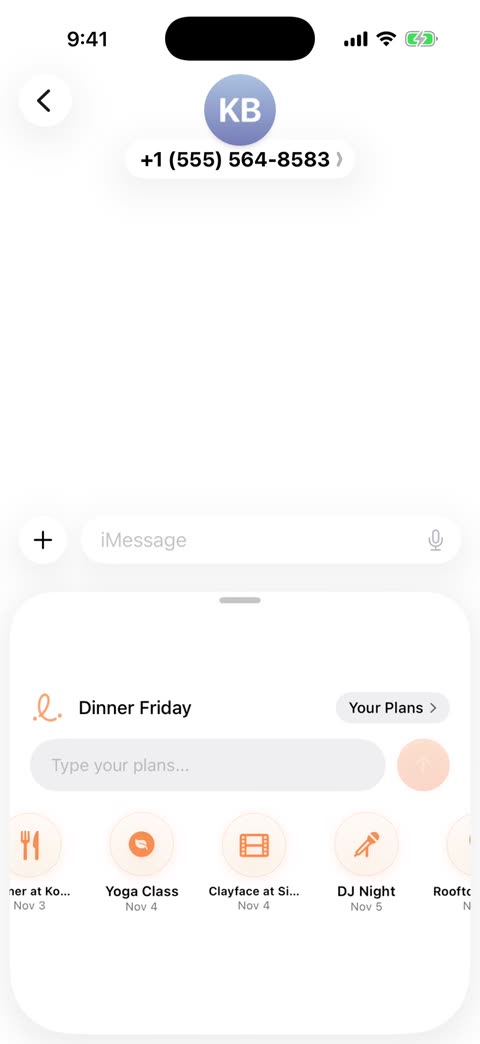
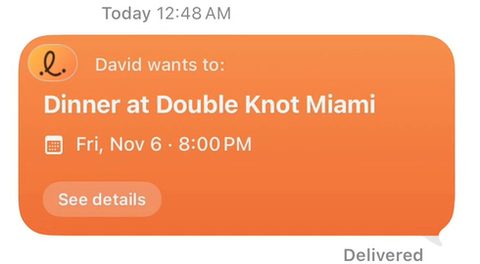
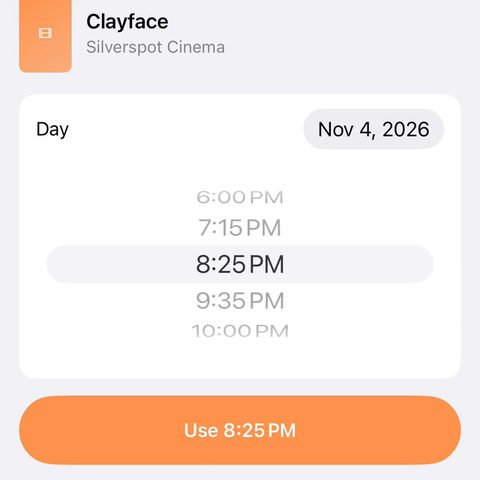
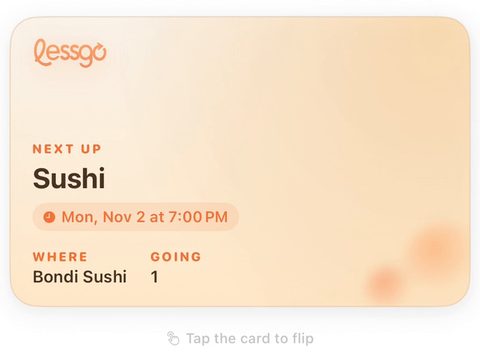
Type your plan like a text. "dinner friday 8pm", pick a spot, hit Send Invite. Your friends tap to respond.
💡 Tip: in that + list, press and drag lessgo to the top so it's always one tap away.
Yes. The beta is free.
To respond to a plan, yes. lessgo works best when your group is in the beta with you. Send them this page.
Open Messages, go into any chat, tap the + next to the text field and scroll to lessgo (or tap More). It doesn't show up on your home screen as a normal app.
Yes. lessgo adds your plans to your iPhone's default calendar, so set that to Google once: go to Settings › Apps › Calendar › Default Calendar and pick a calendar under your Gmail account. On iOS 17, it's Settings › Calendar › Default Calendar. Don't see Gmail there? Add your Google account first in Settings › Apps › Calendar › Calendar Accounts.
Yes. Type your plan in English, Spanish or a mix of both.
Not yet. lessgo is built on iMessage, so it's iPhone only for now.
Take a screenshot inside lessgo and tap Share Beta Feedback, or reply to your welcome email. We read everything.